Storage Management Needed for Long-Term Preservation of Large Torrent Files Obtained Legally
Downloading a large torrent is only the first step. If the files were obtained legally and would be difficult, expensive, or time-consuming to replace, keeping them accessible over the long term becomes just as important as completing the download itself. Whether the collection contains public datasets, open-source software, purchased digital media, or other legally distributed files, losing part of the archive years later can mean repeating a lengthy download or discovering that the original source is no longer available.
Many people assume that buying a larger hard drive solves the problem. In reality, long-term preservation is about much more than storage capacity. Hard drives eventually wear out, files can become corrupted without obvious warning, and storage technologies continue to change over time. A reliable archive requires planning for hardware failure, verifying that files remain intact, and organizing the collection so it can still be understood years after it was created.
Instead of focusing on a single storage device, the goal should be to build a storage strategy that keeps important files protected, recoverable, and easy to manage throughout their entire lifespan.
Start With a Storage Strategy for Large Torrent Files Obtained Legally

Before purchasing additional storage, decide what role the archive will play in the future. Not every legally downloaded torrent deserves the same level of protection. Some files, such as Linux distributions or publicly available software packages, can usually be downloaded again with little effort. Others, including discontinued software versions, large research datasets, or digital media that is no longer distributed, may be much harder to replace if they are lost.
Thinking about the value of the collection first helps determine how much protection is actually necessary. A small archive that can easily be recreated may only require a simple backup. A collection that would take weeks to rebuild or contains files that are no longer readily available deserves a more robust storage plan with multiple copies and regular maintenance.
It is also worth considering how often the files will be accessed. Collections that are opened frequently benefit from storage designed for regular use, while archives that are rarely accessed may be better suited to long-term storage devices that are primarily used for preservation rather than daily activity. Matching the storage approach to the way the files will be used helps avoid unnecessary cost while providing an appropriate level of protection.
Only after these questions have been answered does it make sense to choose between an external hard drive, a dedicated storage system, or another long-term storage solution.
Build Redundancy Before You Need Recovery
One of the most common mistakes in long-term storage is relying on a single device. Regardless of its capacity or brand, any storage drive can eventually fail. If the archive exists in only one location, a hardware problem, accidental deletion, or physical damage could result in permanent data loss.
Creating additional copies before a problem occurs is far more effective than trying to recover data after a failure. For many users, a practical starting point is maintaining at least two independent copies stored on separate devices. If one drive develops a fault, the second copy remains available while the failed hardware is replaced.
Verify That the Archive Stays Intact Over Time
Storing files successfully is not only about preventing drive failure. Digital files can also become corrupted while remaining on storage that appears to be functioning normally. This type of silent corruption may not be discovered until months or years later when you finally open an important file and realize that part of it can no longer be read.
For that reason, preserving data requires periodic verification rather than simply assuming that every stored file remains unchanged. One practical approach is to generate checksums, such as SHA-256 hashes, for important files after they have been downloaded. Comparing those values later allows you to confirm that the contents have not changed unexpectedly.
Many modern storage systems also provide features that automatically verify stored data. File systems such as ZFS and Btrfs use checksums to detect corruption, while storage platforms that support scheduled data scrubbing can periodically examine stored blocks and identify inconsistencies before they become permanent data loss. These features do not eliminate the need for backups, but they add another layer of protection by helping detect problems that might otherwise remain unnoticed.
Make the Collection Easy to Understand Years Later
Long-term preservation is not only about keeping files readable. It is also about making sure you still understand what those files are years after they were downloaded. As collections continue to grow, vague folder names, inconsistent organization, and missing documentation can make an archive difficult to use even if every file remains intact.
A consistent folder structure makes future navigation much easier. Including details such as the project name, version, publication year, or archive date helps distinguish similar files without opening each one individually. Keeping related files together also reduces the chance of accidentally deleting or duplicating important content during future maintenance.
Additional information can also be stored alongside the files themselves. A simple README or text file describing where the data came from, when it was downloaded, licensing information, or software required to access it can save significant time years later. For media collections, applications such as Plex or Jellyfin can organize libraries automatically, but they still perform best when the underlying folders and filenames follow a logical structure.
Plan for Hardware Replacement Before It Fails
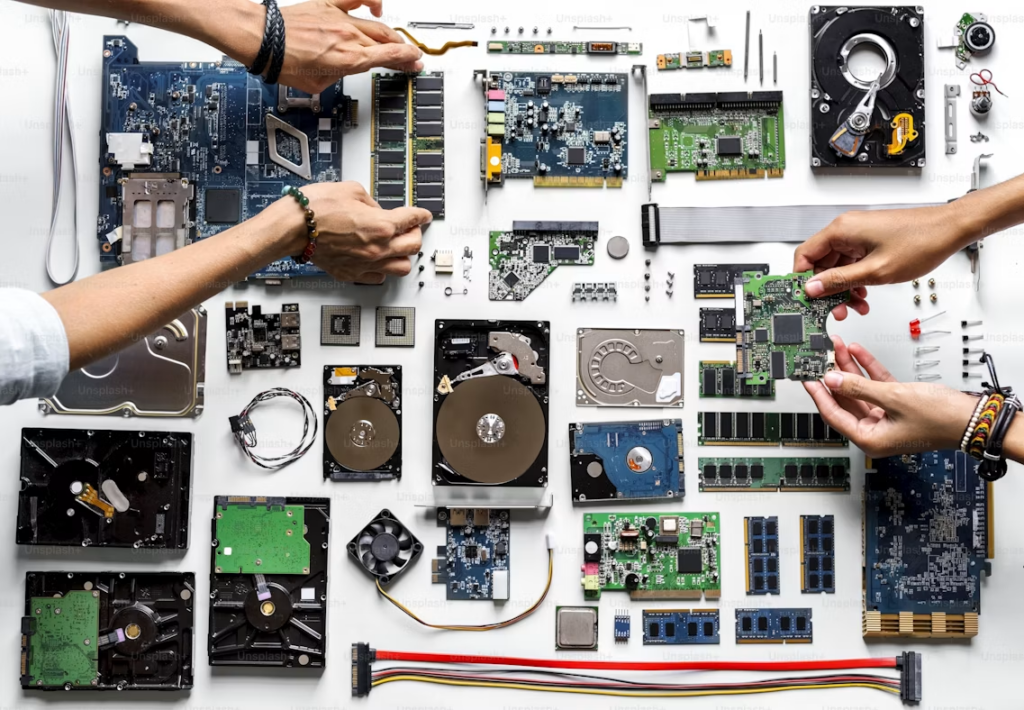
No storage device is designed to last forever. Even if a drive continues to operate normally, its components continue to age with every year of use. Waiting until a drive fails before thinking about replacement creates unnecessary risk, especially when the archive contains files that would be difficult to replace.
Rather than relying on an expected lifespan, monitor the condition of each storage device throughout its service life. Most modern hard drives and SSDs support S.M.A.R.T. diagnostics, allowing storage management software to report warning signs such as reallocated sectors, read errors, or other indicators of declining health. These warnings should be treated as an opportunity to migrate data while the drive is still functioning instead of waiting for complete failure.
Periodic migration is also an important part of long-term preservation. When replacing aging hardware, copy the archive to the new storage, verify that the transfer completed successfully, and only then retire the older device. This process not only refreshes the physical media but also confirms that the files remain readable on newer hardware.
Protect the Archive From Everyday Risks
Hardware failure is only one of the threats facing a long-term archive. Everyday environmental conditions can also shorten the life of storage devices or increase the risk of unexpected data loss. Excessive heat, unstable power, moisture, and physical impact all place additional stress on storage hardware over time.
Keeping storage equipment in a clean, well-ventilated location helps maintain stable operating temperatures. If the archive is stored on a NAS or another system that runs continuously, connecting it to an uninterruptible power supply (UPS) provides additional protection against sudden power loss and electrical surges. Backup drives that are not used every day should also be stored in a dry location where they are protected from accidental damage and extreme environmental conditions.
Long-term preservation of legally obtained large torrent files is not achieved by choosing a single high-capacity drive. It depends on building a storage strategy that anticipates hardware failure, maintains independent copies of important data, verifies file integrity over time, and keeps the archive organized as it grows.
Technology will continue to change, and storage devices will eventually need to be replaced. A collection that is regularly maintained, verified, and backed up is far more likely to remain complete and accessible years into the future than one that is simply left on a single drive after the download finishes.